
n8n CLI (
@n8n/cli) is the official terminal tool n8n shipped in March 2026: it talks to your running n8n over the API, so you can manage workflows, executions, and credentials without opening a browser, and let tools like Claude Code run n8n for you.
Say you need to turn off a dozen workflows you know you're done with. In the web UI that's: open the list, click into a workflow, toggle Active off, head back to the list, then repeat a dozen times, about five minutes of clicking.
n8n shipped a CLI in March 2026 that does the exact same thing in one command, ten-odd seconds. Why drop a CLI right now? The answer is pretty obvious: AI.
Tell Claude Code "delete every archived workflow," and it composes the command, runs it, and reports back, whereas in the web UI, you're still stuck clicking through them one by one!
Here are my field notes after two months of daily driving it:
Quick Navigation
Who this is for: anyone already running n8n (Cloud or self-hosted) who wants a faster way to run it without clicking around the UI.
If you'd rather not touch the CLI yourself, just let AI handle the typing: jump straight to AI integration.
What Is n8n CLI? How It Differs From n8n's Own Server Commands
First, let's clear up something that trips a lot of people up.
You may have used commands like n8n export:workflow or n8n import:credentials. Those come baked into n8n itself, run directly on the host, and require you to be logged into that machine.
The n8n CLI I'm talking about here is a completely separate tool that launched alongside n8n 2.14 in late March 2026. The package is @n8n/cli, and it has its own page in the official docs.
Think of it as a remote control: you can drive your n8n from any computer, anywhere, as long as you've got an API key and network access.
| Comparison | n8n's own commands | n8n CLI (@n8n/cli) |
|---|---|---|
| Runs where | The machine n8n runs on | Any computer |
| Connects via | Direct database access | The n8n API |
| Works with n8n Cloud | No | Yes (paid plans) |
| Best for | Migrations, import/export, ops work | Day-to-day management, batch operations, AI integration |
--help says instead of this post.Installing and Connecting
What you need
You only need two things to get started:
- A running n8n (a paid Cloud plan or self-hosted both work; if you don't have one yet, see this comparison of deployment options first)
- An n8n API key: go to Settings → n8n API → Create an API key, give it a name and an expiry, done
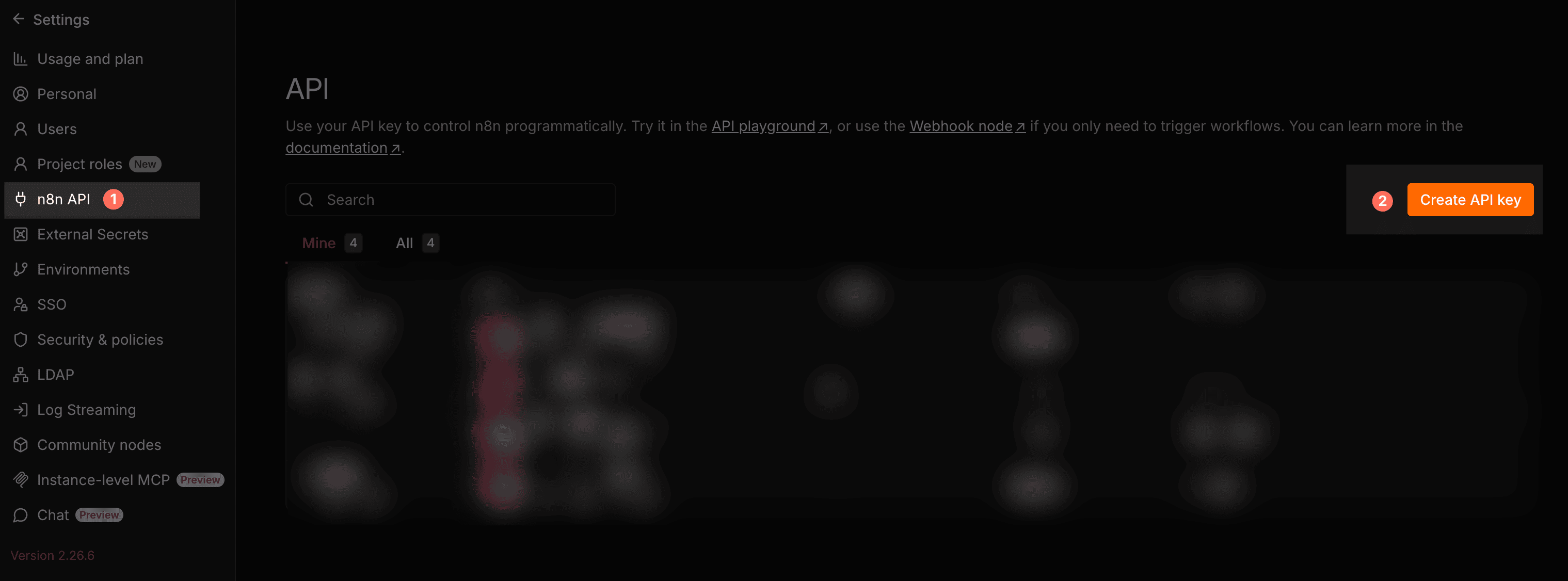
n8n only reveals the full key once, so make sure you copy and stash it somewhere safe immediately.
Installing
Don't sweat the command line: just open Terminal on Mac or PowerShell on Windows, paste this in, and hit Enter.
Just want to try it once? Run it with npx, no install needed:
npx @n8n/cli workflow listPlanning to use it regularly? Install it globally:
npm install -g @n8n/cli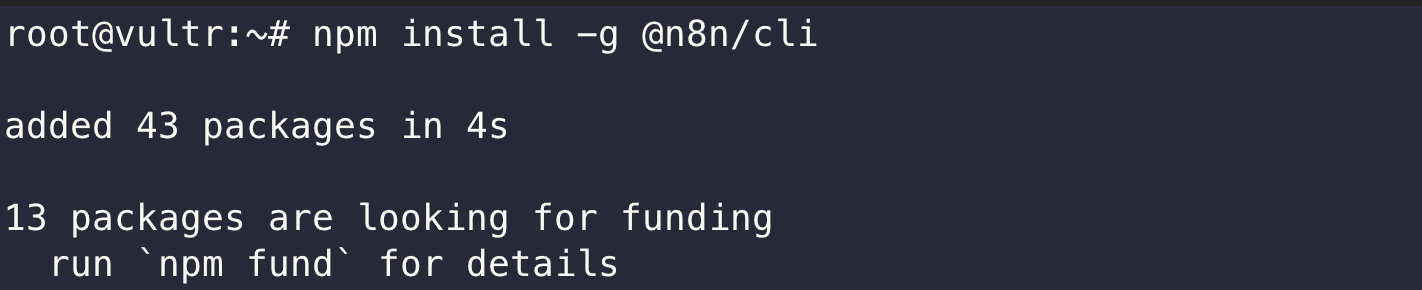
If your terminal throws an error saying npm isn't found, you're missing Node.js. Install that first (open a fresh terminal window afterward and pick up from here).
Connecting to your n8n
Just run login, and it'll walk you through entering your instance URL and API key:
n8n-cli loginThe URL is whatever address you normally open n8n at (for Cloud that's https://xxxxxx.app.n8n.cloud; for self-hosted, it's your usual domain, for example a Zeabur deployment uses the xxx.zeabur.app address it assigned you).
Confirm the connection with config show:
$ n8n-cli config show
URL:      https://xxxxxx.app.n8n.cloud/
API Key:  ****jgs4
Nothing tricky here: the whole setup takes maybe 2 to 3 minutes tops.
Daily Use: Workflows, Executions, Credentials
Listing workflows
$ n8n-cli workflow list --limit 3 --format table
ID                NAME                                    ACTIVE  UPDATEDAT
----------------  --------------------------------------  ------  ------------------------
05cNg6KPUeW9ebca  My workflow 27                          false   2025-06-04T02:42:27.608Z
09Lj0O0LZ5wq0OIc  Learning-LoopOverItems and accumulated  false   2025-06-17T06:07:50.406Z
03VUjcChtQNyC8CO  My workflow 138                         false   2025-12-06T04:06:47.587Z
The filters you'll actually use:
--active: only currently active workflows--name: filter by name--tag: filter by tag
Output supports three formats: table, json, id-only. One really neat detail: pipe the output into another command and it automatically formats as JSON. It also has a built-in --jq filter, so you can pull specific fields without installing jq separately:
n8n-cli workflow list --jq '.[].name'Executions: the real debugging tool
This is hands-down what I use the most. Digging through the web execution list to find failed runs gets tedious fast. Now, AI just pulls the errors and tells me straight up what went wrong:
n8n-cli execution list --status error --limit 10--status filters by error, success, running, waiting, canceled; --workflow scopes it to one specific workflow.
Once you've found the offending run:
execution get <id>: the full execution detail as JSON, every node's output includedexecution retry <id>: re-run that failed execution (this calls the n8n API's retry endpoint under the hood)
If you spend any real time debugging workflows, this single feature makes the install 100% worth it.
Credentials: listable and creatable, but never extractable
credential list lists every credential, credential create makes a new one. The more interesting one is credential schema:
n8n-cli credential schema slackApiIt returns the JSON structure of fields that credential type expects. The most annoying part of setting up credentials via CLI is guessing the payload format. This command just spits out the exact blueprint.
credential get only ever returns metadata. It never returns the stored token or password. That's by design: you simply can't pull raw secrets out of n8n via the CLI.AI Integration: Let Claude Code Run n8n For You
This is the coolest part of the whole tool, and honestly the section you should start with if you hate typing terminal commands.
The CLI ships a skill install command that installs a "how to use n8n-cli" skill into Claude Code, Cursor, or Windsurf:
n8n-cli skill install                  # install into the current project
n8n-cli skill install --global         # install globally
n8n-cli skill install --target=cursor  # target a different AI tool
If you already use AI agent skills, this is straightforward. In my setup with Claude Code, it just reads the installed skill and immediately knows how to drive n8n-cli on its own.
Here's what day-to-day debugging looks like once it's set up:
When I'm debugging, I literally just say: "Check which executions failed today." Claude Code fires off execution list --status error, reads the output, flags the broken workflow, and pulls the JSON to pinpoint the exact misconfigured node.
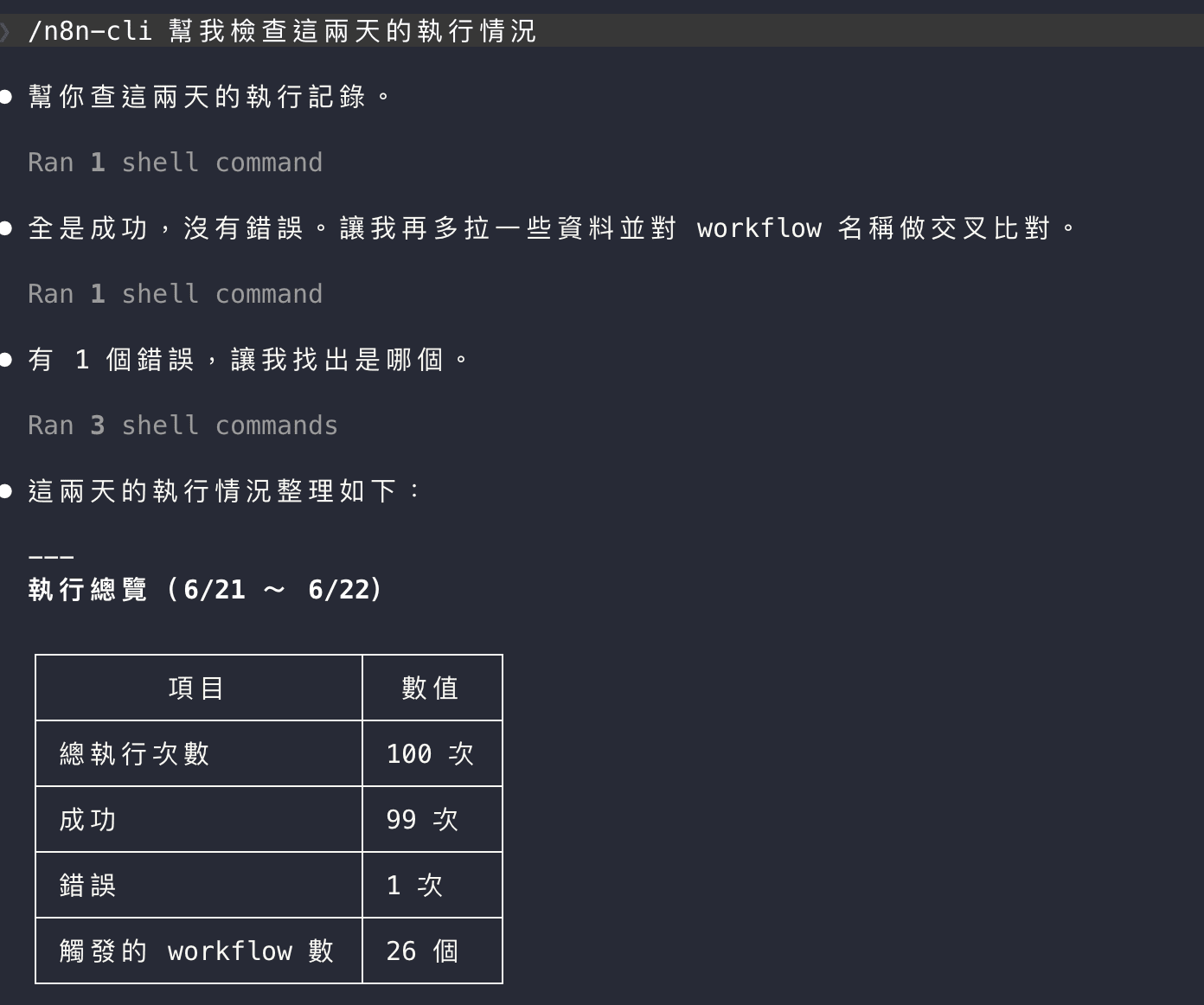
Ignore the fact that the screenshot is in Traditional Chinese: the real takeaway is how Claude Code triggers the CLI and breaks down the error.
Which Commands Are Safe to Run?
The official docs label this tool for "experiments, local development, personal projects." In plain terms: command syntax can still shift between updates, so don't hard-wire it into a critical production pipeline yet. It definitely doesn't mean "using it will break things."
The easiest way to think about risk is breaking commands down into three tiers:
| Tier | Commands | Guidance |
|---|---|---|
| Read-only queries | list, get, schema, audit, config show | Fire away. 100% safe on your own, your company's, or client instances |
| Mutates data | create, update, delete, activate, deactivate, retry | Go wild on your own n8n; on someone else's, list first to confirm scope before acting |
| Automated / scheduled | Anything wired into cron or CI | Pin the version (@0.7.0), review the syntax by hand before every upgrade |
Quick Reference: Everything Else
That covers most of daily use. Here's a quick cheat sheet for the rest:
| Command | What it does | Who needs it |
|---|---|---|
| data-table | Manage n8n's built-in data tables: batch insert, update, upsert, and delete rows | Anyone storing data in a Data Table |
| project | Create projects, manage members, move workflows across projects | Teams collaborating in n8n |
| tag | Create, rename, delete tags | Anyone organizing their workflows |
| variable | Manage instance-level variables | Anyone running multiple environments |
| user | List users | Admins |
| audit | Produce a security audit report across five categories (credentials, nodes, and more) | Every self-hoster, on a regular schedule |
| source-control | Pull the latest version from Git | Teams with source control enabled |
data-table manages the same data the Data Table node stores: batch inserting, updating, and upserting rows all work from the terminal.
Should You Learn the CLI or Hand It to an AI Agent?
In an age where AI does everything, if you're building personal automations, I'd still urge you to get comfortable with n8n itself first, then let AI drive n8n-cli on top of that.
You're basically offloading the boring, repetitive admin clicks to AI, while keeping full control over the workflow architecture.
If you're running a business without the time or team to learn n8n, letting an AI Agent brute-force everything will burn through tokens shockingly fast.
That's where talking to an automation consultant makes sense.
Take report automation, for example: you have to pull disparate data sources, sanitize them, and map fields. An LLM can do that, but burning tokens every single day on heavy routine processing is pure waste. Build it once in n8n, and your daily operating cost drops to basically zero tokens.
If you need help setting this up: check out my n8n consulting services, always happy to chat if that's useful.
Current Limitations
Let's be real: it's still in beta. Here are the rough edges you should know before diving in:
- Command syntax still shifts: breaking changes happen (like the recent
--id-onlytweak), so older guides might throw errors. For what it's worth, I verified every command here against 0.7.0 - No archive command: the web UI can archive workflows and the API supports it, but the CLI command just isn't there yet
- No folder operations: if you want to organize workflows into folders, you're still stuck dragging and dropping in the web UI
- Remembers one connection at a time: the config file only stores one n8n; see below for managing more than one
Switching Between Multiple n8n Instances
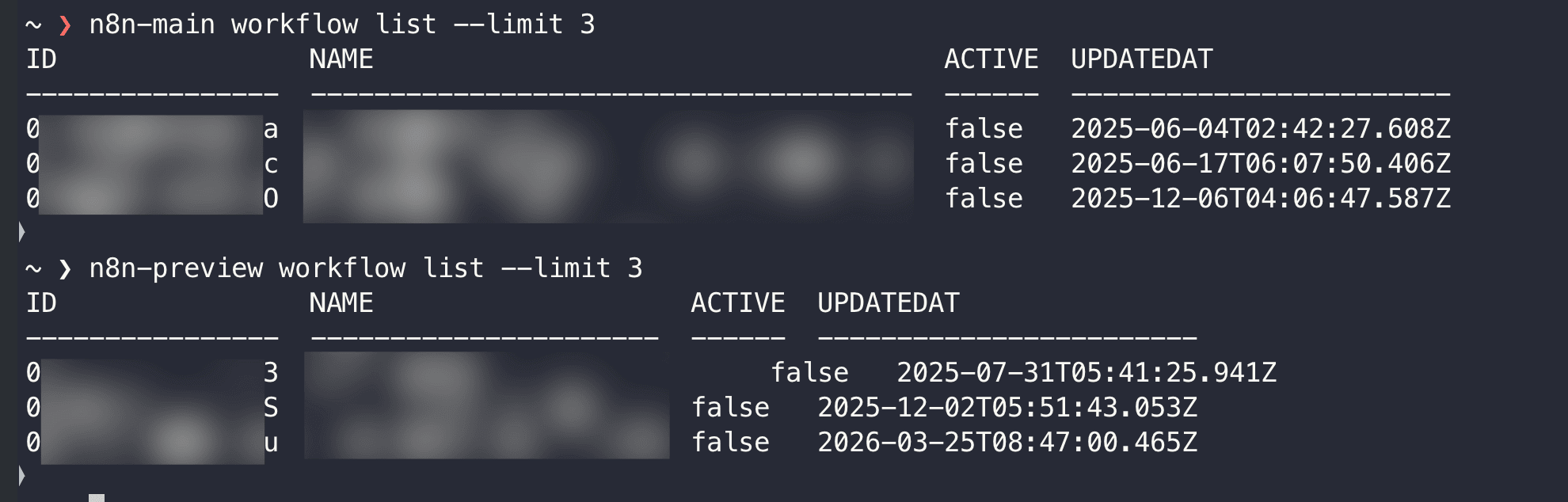
The CLI only saves one instance config at a time, which gets painful if you juggle your own setup and client instances. The cleanest workaround right now is environment variables combined with shell aliases (tested and works like a charm):
# add to ~/.zshrc or ~/.bashrc
alias n8n-home='N8N_URL=https://home.example.com N8N_API_KEY=$N8N_KEY_HOME n8n-cli'
alias n8n-client='N8N_URL=https://client.example.com N8N_API_KEY=$N8N_KEY_CLIENT n8n-cli'
Now n8n-home workflow list queries your server, while n8n-client execution list --status error checks the client's. Zero conflicts, and it never messes with the default credentials you set up via login.
FAQ
n8n-cli. The official package is @n8n/cli (with the @n8n scope). Run npm uninstall -g n8n-cli && npm install -g @n8n/cli to sort it out.credential get only returns metadata like the name and type. It never returns secrets, by design of the n8n API itself. The flip side to watch for: the API key itself has full admin rights (there is no read-only key outside Enterprise), so treat that key like a root password.Related Reading
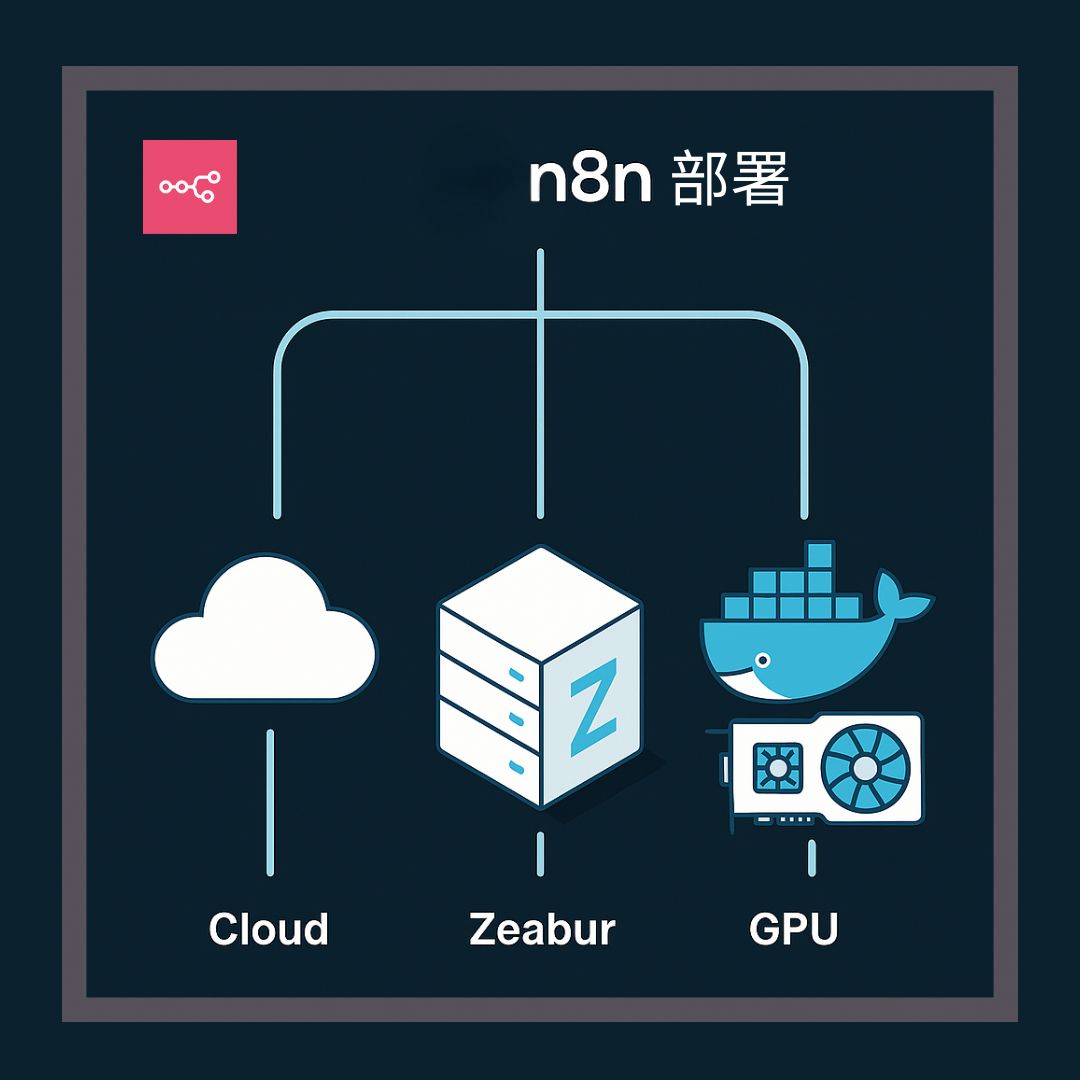
A running log of n8n release highlights, n8n CLI itself debuted in 2.14.
Wrap-up
I've been running n8n CLI for months now, offloading almost all the day-to-day grunt work to AI. Paired with Claude Code, tweaking and testing workflows is pretty much on autopilot!
These days, my role is mostly sanity-checking: making sure a node's logic makes sense and that AI didn't build it some absurd way. Because let's face it: AI still goes off the rails plenty. The final output might look fine, but the workflow it cobbled together underneath is often ridiculously roundabout or painfully slow.
Who this is great for:
- You have enough workflows that managing them through the web UI has become a chore
- You're already using Claude Code or Cursor and want AI driving n8n directly
Originally published in Traditional Chinese: n8n CLI 教學 - 用終端機管理 workflow,備份、批次操作、AI 整合